From your email design
to email HTML
Upload your design.

Upload your design. Let Maildirect.ai build your email HTML. Make any adjustments and you're ready to send.
 Build emails in minutesEasy to edit yourselfNo technical knowledge required
Maildirect.ai is a smart AI tool that turns your email designs into fully functional email HTML in minutes. No coding or technical knowledge required. What used to take time and specialist expertise, you can now do yourself: quickly and accurately.
Watch the video
Upload your design.
In the built-in editor.
A user-friendly interface.
Through your email platform.
 Broad support for
Optimised display in all major email clients, including Outlook, Gmail, Apple Mail, iOS and Android OS.
 Responsive on
Smooth, adaptive layouts on all devices, including smartphones, tablets and computers.
 Optimised display
Clear, readable layouts in Dark Mode, regardless of platform or settings.

Create ready-to-send emails from your finished designs.

Create or refresh email newsletters and templates.

Add new content to existing emails.
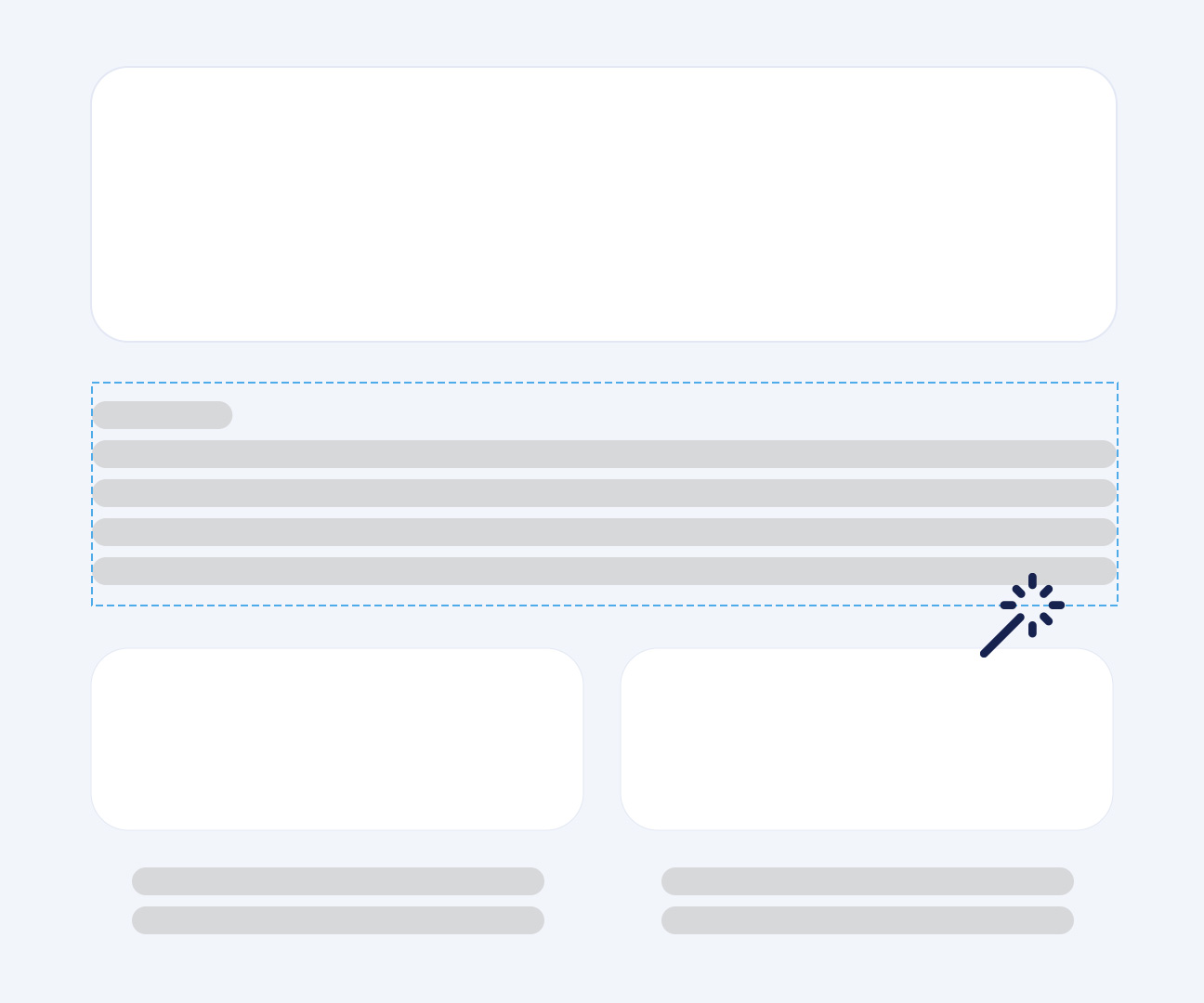
Use the built-in editor to update your emails in moments after generating them. Edit text, formatting, CTA buttons and links in one clear interface. Make last-minute changes whenever you need to.
Maildirect.ai combines speed, flexibility, consistency and independence in one AI-powered tool. Create emails without relying on developers, and stay in control.
Sed do eiusmod tempor incididunt ut labore et dolore magna aliqua. when the musics over turnoff the light
Jim Morrison says when the musics over turnoff light
 Full business control
User dashboard & analytics
Custom reporting
 Regular update monitoring
24/7 priority support
Jim Morrison says when the musics over turnoff light
Full business control
User dashboard & analytics
Custom reporting
Regular update monitoring
24/7 priority support
Jim Morrison says when the musics over turnoff light
Full business control
User dashboard & analytics
Custom reporting
Regular update monitoring
24/7 priority support

For teams that want to develop and scale campaigns quickly.
For specialists who want to develop and optimise emails efficiently and independently.

For designers who want to turn their designs directly into working emails.
Of the 6 tools reviewed, only 1 offers an image-to-email workflow, but its output is not email-ready. Maildirect.ai fills that gap.
The drag-and-drop market is mature and well served. Stripo, Beefree and Postcards all offer AI, but only for generating individual images from text prompts, not for importing an existing design.
AI image-to-email tools do offer this, but quality falls short: the generated HTML is not email-ready and is therefore unsuitable for professional campaigns.
Maildirect.ai combines an image-to-email workflow with email-ready, cross-client-compatible HTML output. This is currently unique among these tools.
| Tool | Approach | Design → HTML | Desktop + mobile | Editor | Rebuild a block | Figma required | Score |
|---|---|---|---|---|---|---|---|
|
Maildirect.ai
OMG
maildirect.ai
|
Upload image → AI generates HTML | ● Yes — fully | ● Yes — both | ● Magic Editor | ● Yes — outline the block | ● No |
94/100
|
|
Stripo
stripo.email
|
Drag & drop + 1,650 templates | ● No | ● Manual | ● Limited | ● Text/images only | ● No |
64/100
|
|
Beefree
beefree.io
|
Drag & drop, team-focused | ● No | ● Manual | ● Limited | ● Text/images only | ● No |
61/100
|
|
Migma AI
migma.ai
|
AI using a prompt, URL, screenshot or Figma | ● Yes, via screenshot | ● Unclear | ● Prompt-based | ● Via prompt | ● No (optional) |
60/100
|
|
Emailify
hypermatic.com
|
Figma plugin → HTML export | ● Via Figma | ● Manually in Figma | ● None | ● No | ● Yes — required |
55/100
|
|
Adobe Marketo / AJO
Image-to-HTML
|
Image → HTML (enterprise) | ● Yes, limited | ● No | ● In Marketo | ● No | ● No |
52/100
|
|
Tabular
tabular.email
|
HTML builder, Outlook-safe | ● No | ● Manual | ● Code editor | ● No | ● No |
48/100
|
|
Topol.io
topol.io
|
Simple drag & drop | ● No | ● Manual | ● Limited | ● No | ● No |
42/100
|
|
EmailCanvasAI
emailcanvasai.com
|
AI using a prompt + image | ● Yes, via prompt | ● No | ● Drag & drop | ● No | ● No |
38/100
|
|
Manually with AI
ChatGPT / Claude
|
Write your own prompts, no dedicated tool | ● Possible | ● Labour-intensive | ● No editor | ● Write new prompts yourself | ● No |
22/100
|
From design to a fully working email in 4 steps, including feedback and optimisation:
Share your design with us, including any images and font files.
We use Maildirect.ai to turn your design into a fully working email.
We use your feedback to make changes quickly and accurately.
Receive a ready-to-use email file for sending through your platform.

Online Marketing Group (OMG) specialises in lead generation, email marketing and performance-based advertising. We have worked with charities, publishers, automotive brands and a wide range of other businesses for almost 30 years.
OMG is ISO 9001 and ISO 27001 certified. As a member of the DDMA, we also hold the Privacy Waarborg quality mark.
Why charities choose OMG